DEV LOG: Rumble Futura PART 2: DRAWING a Fighting Game
Inspiration
I’m currently taking a class called “Intermediate Programming for Games” where we are exploring ways to code scalable systems and write code which is easier to make not break after changing one variable. We’re learning about concepts such as: structs, interfaces, inheritance, delegates, and more! As part of our final assignment we had to create a game that used these concepts in a way that was scalable and neatly formatted. I did that part, now I want to make it look cool so I made animations, VFX, environment art, and loading screen/menu art!
Art!
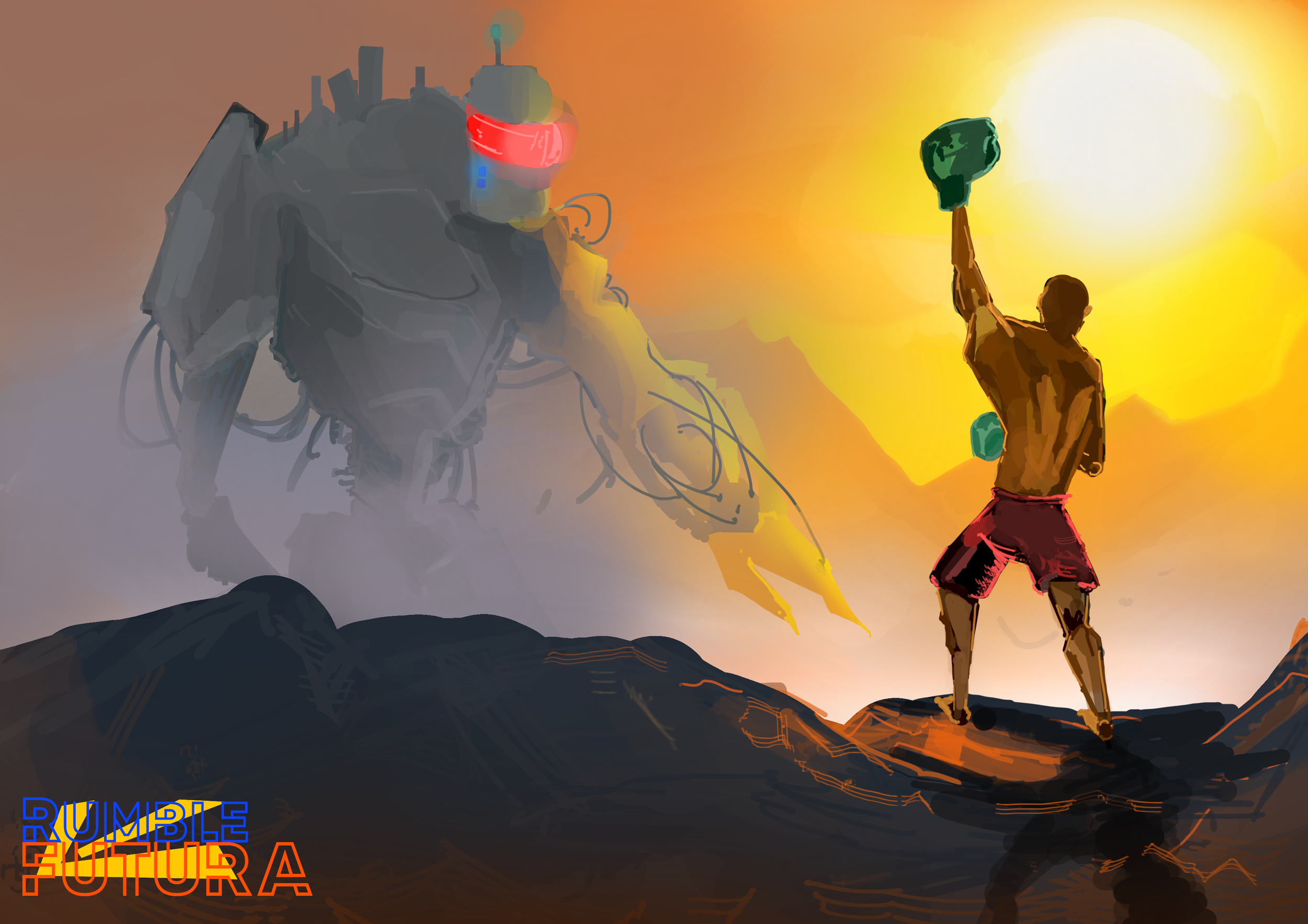
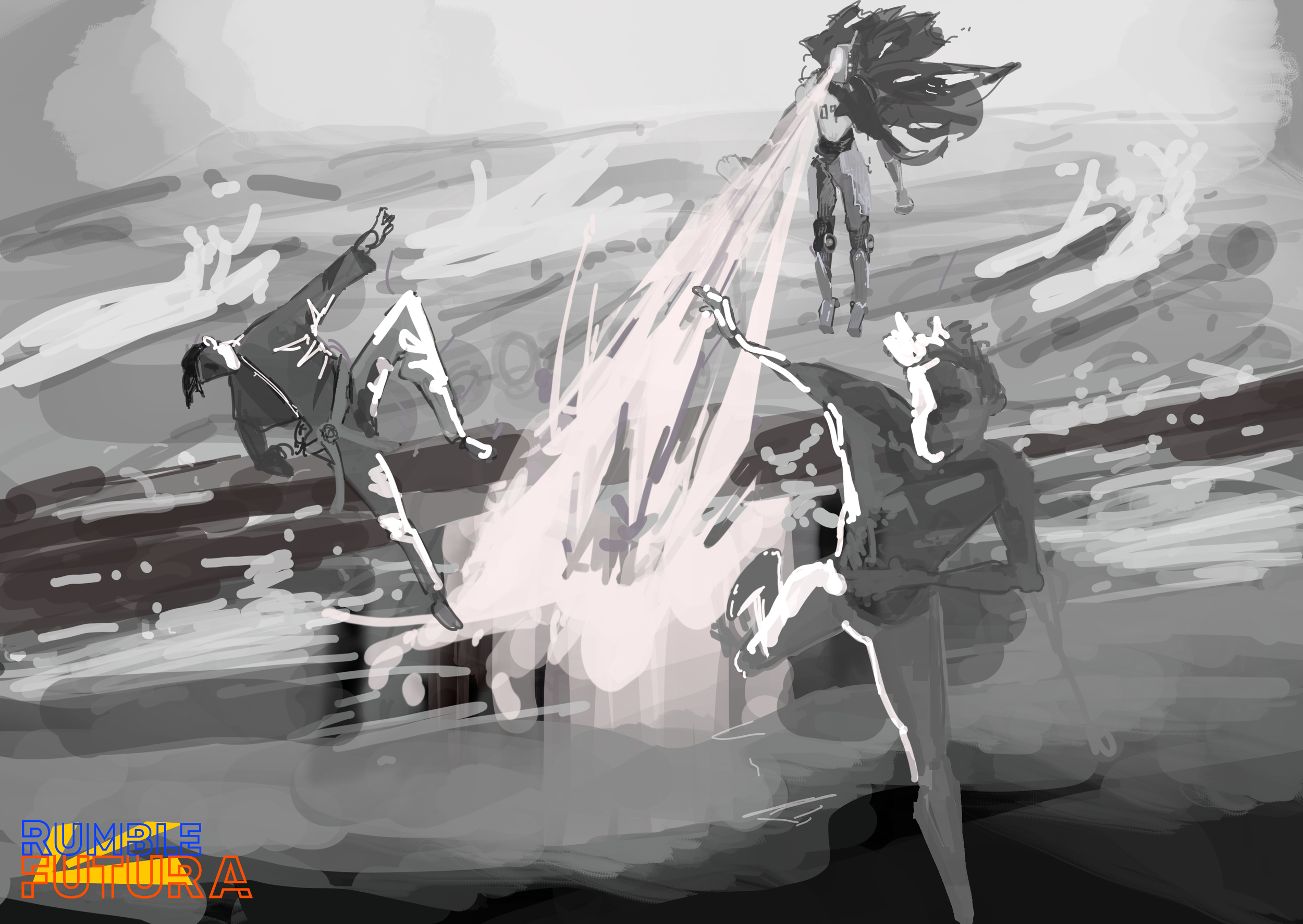
Once I had made the game’s systems functional, I quickly got to working on art and animation to give it polish and flair, using my own skills as a painter to make digital characters, backgrounds, and effects. During my spare time I had already made a few concepts for what I wanted the characters to look like and the art style to be, so I decided to use that as a starting point and use those pieces as menu/loading screens.


Character Animation
I went over the list of animations and decided on 3 moves that I would animate, since I only had 30 days total to work on the project, with plans to animate the other moves post-semester.
I decided on a jab/cross, and full kick and spinning jump kick combo as well as animations for the player character to die, get hit, idle, and running. I hand painted the “rough gesture” versions then proceeded to add color and shading once I was happy with each subsequent pass. I then plugged these animations to the state machine I had created and added events to specific hit frames in the animation to align them with the hitboxes.
Boss Animations
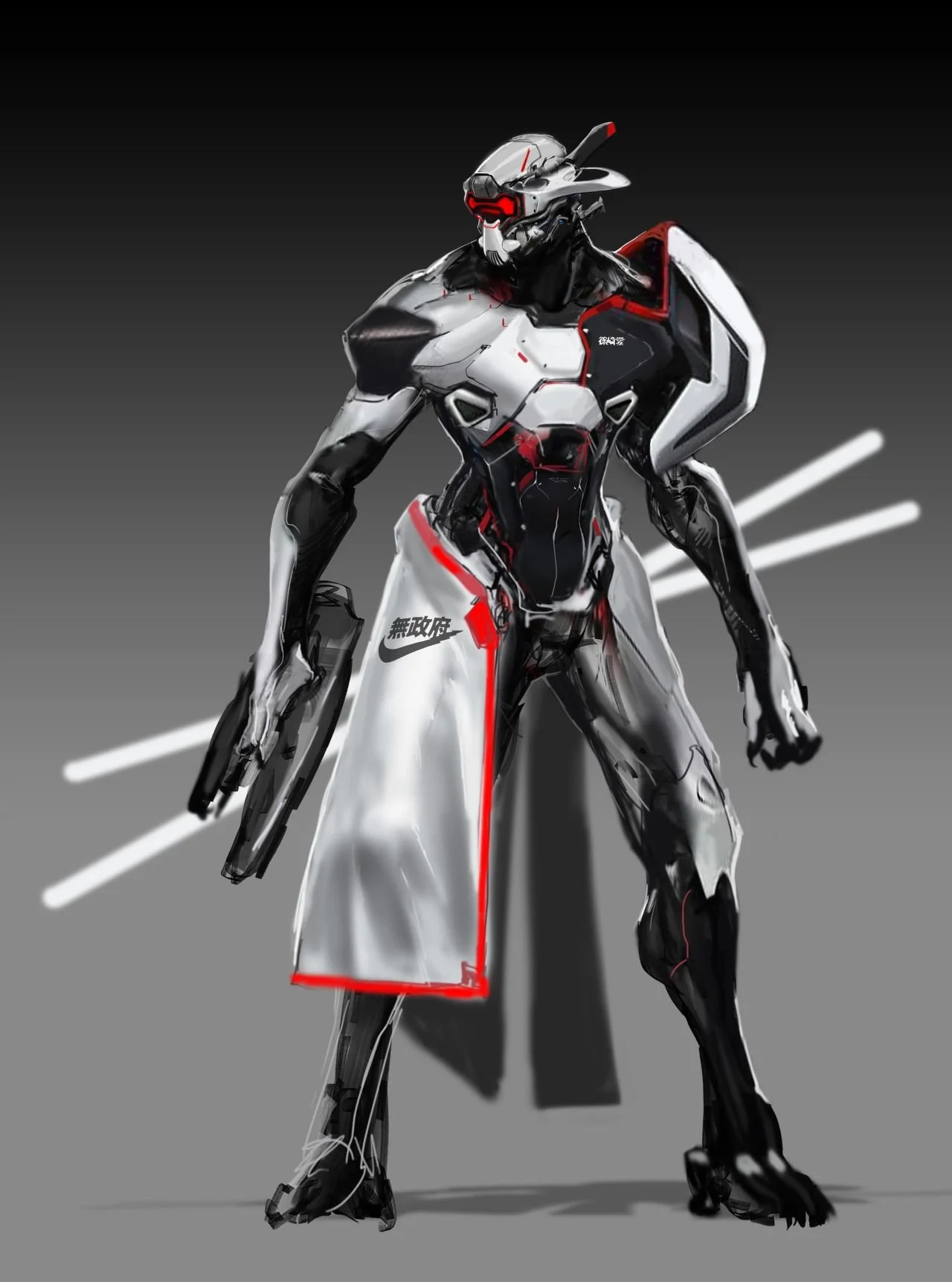
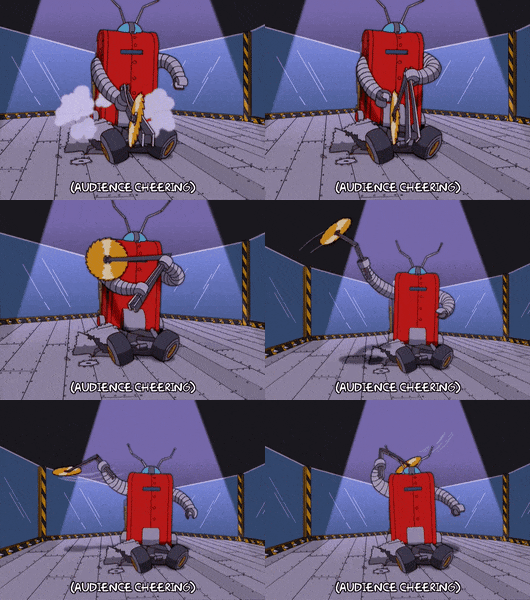
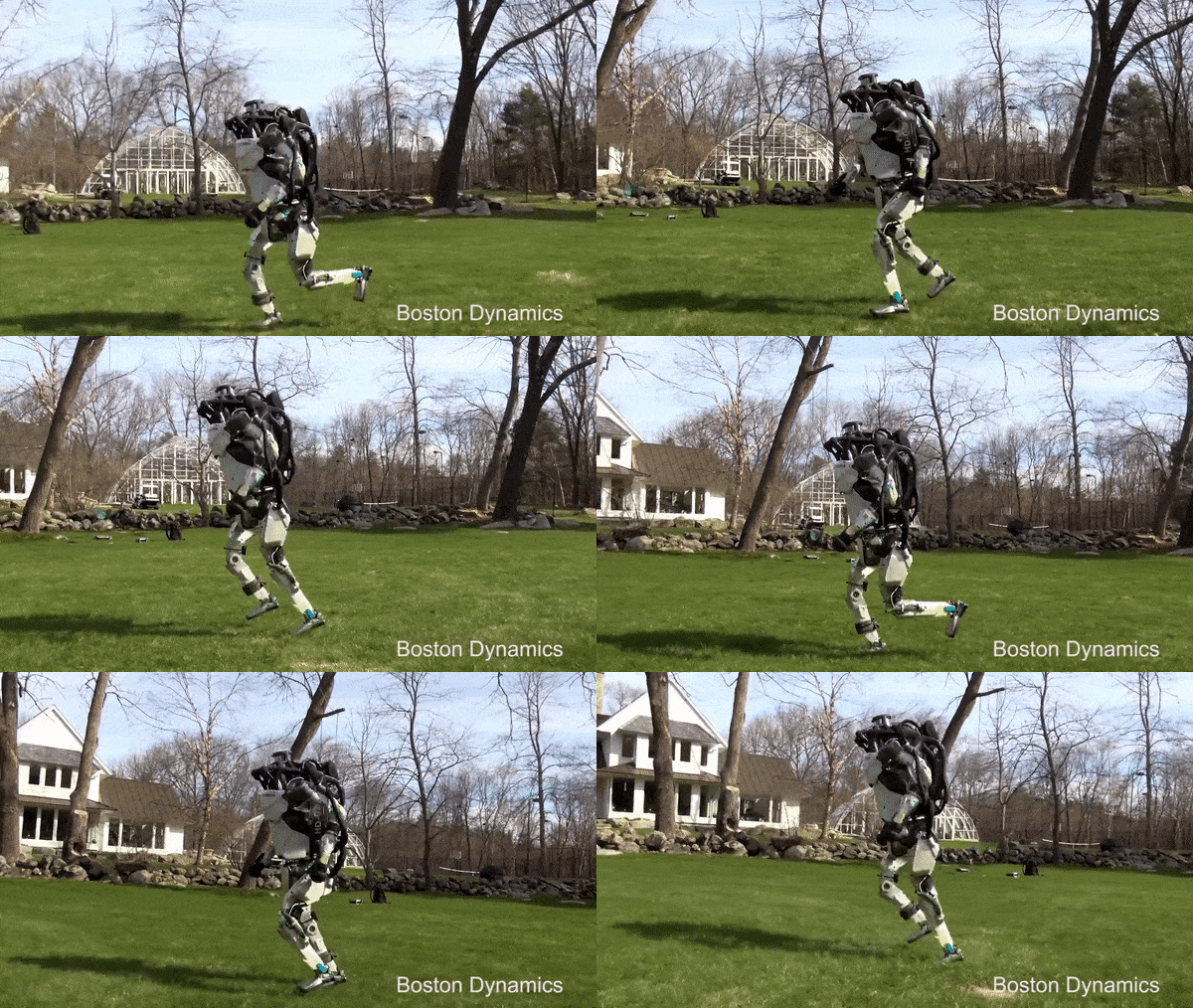
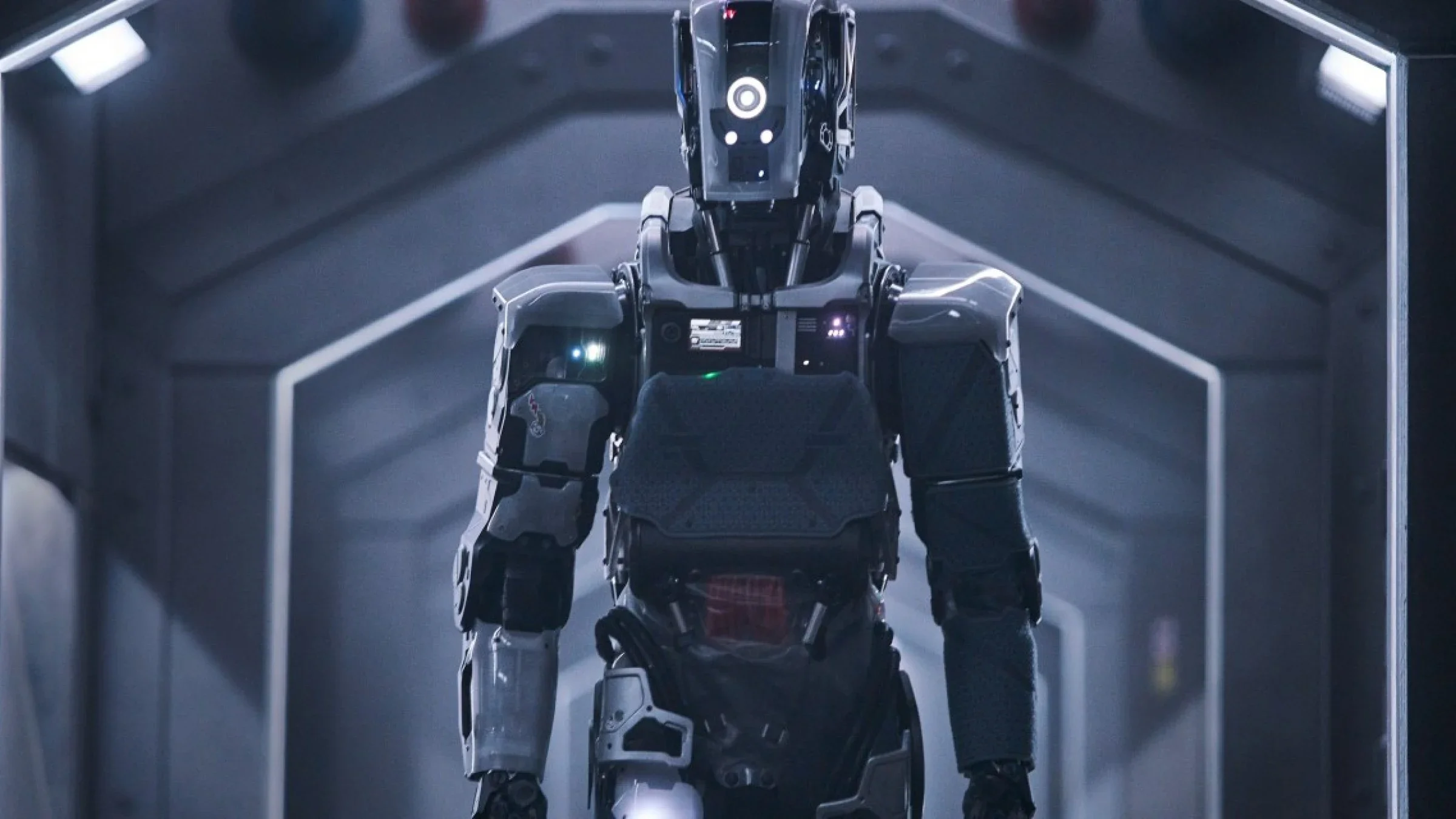
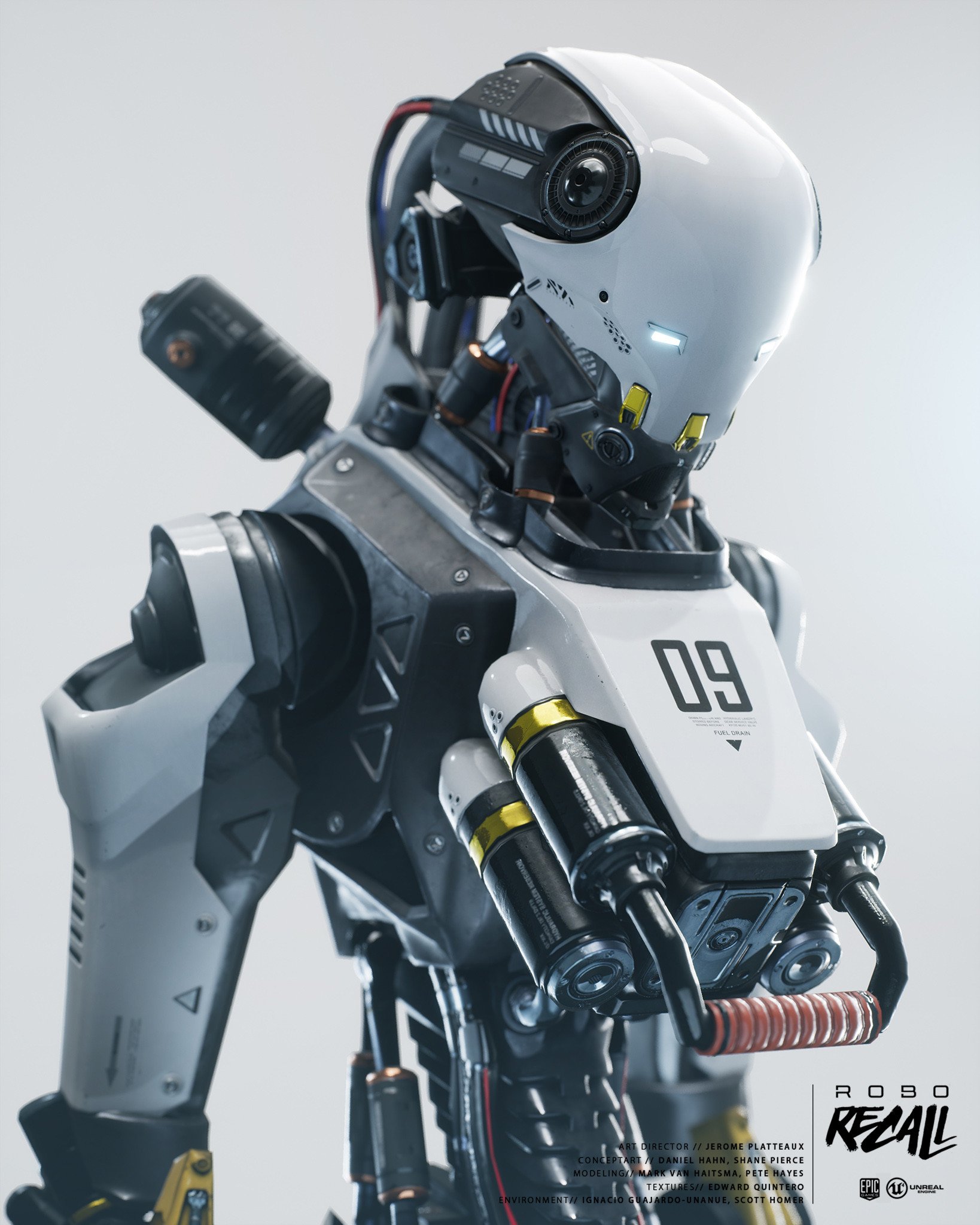
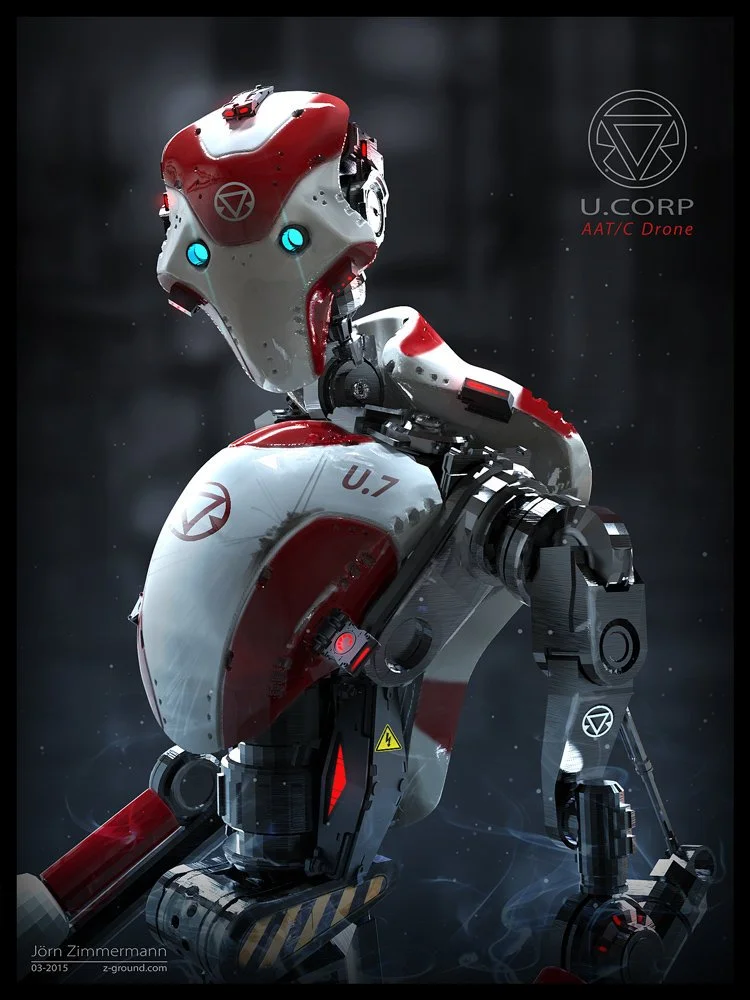
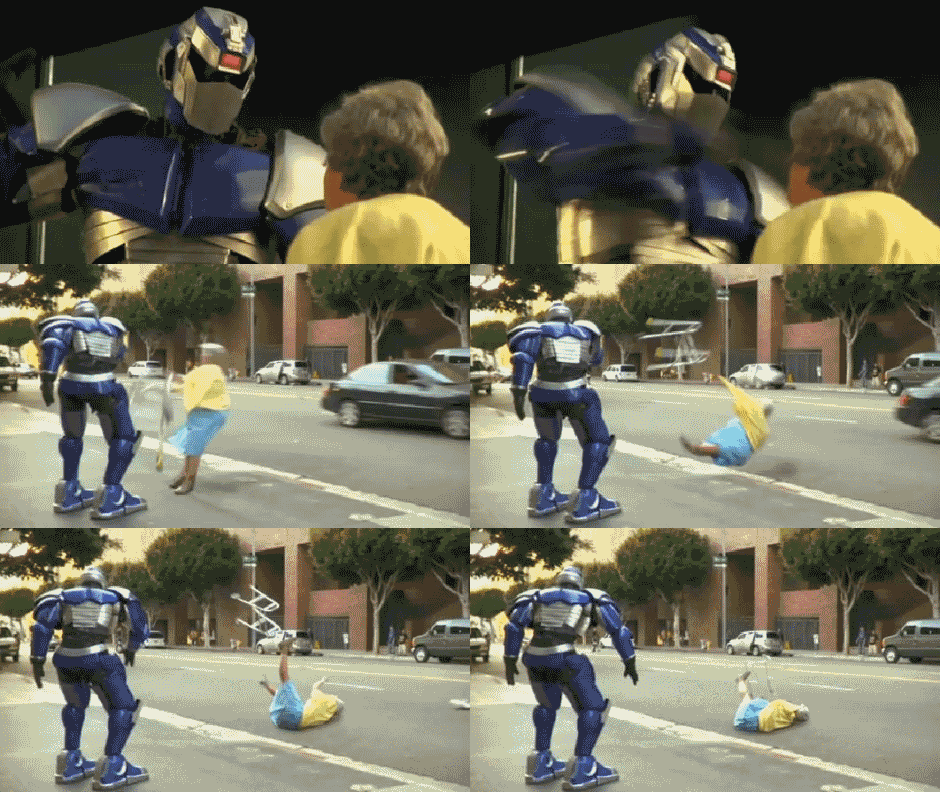
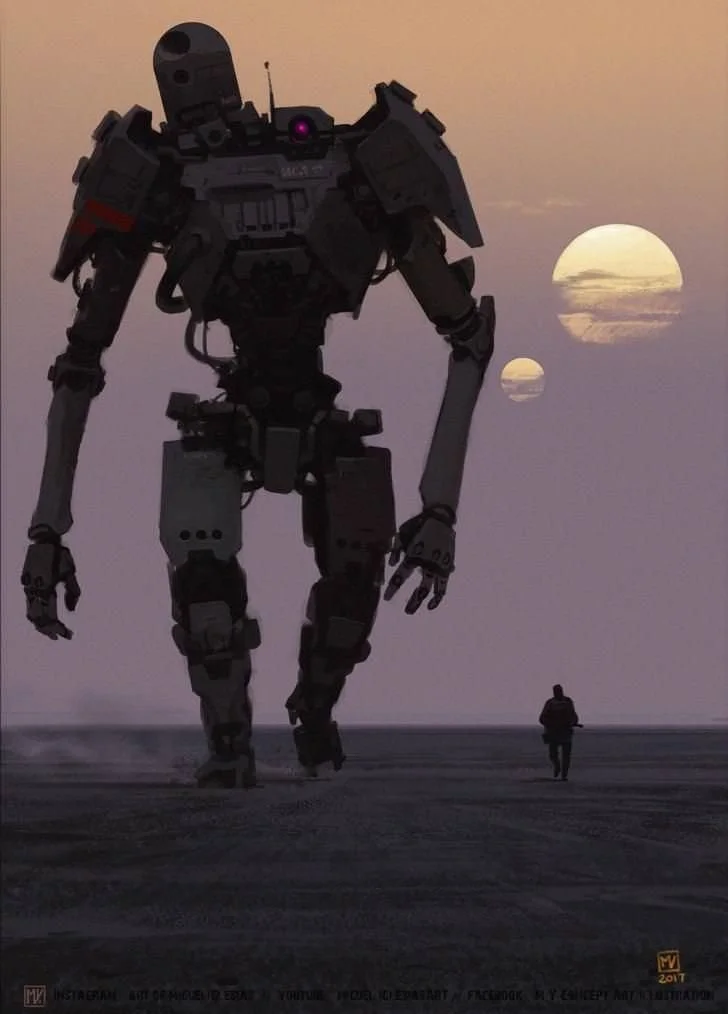
I started concepts for the Boss by gathering references of various real world robot designs and creating concepts for a ghost-like boss design, with lots of plating, exposed wires, high contrast glowing sections, and large, clunky gears. I studied DIY robots moving in the real world and based the animations on their slow, heavy, clunky movement, with the robot appearing as if he was almost limping.
I created first pass roughs, and when I was happy with the way he moved in his slash and running animations I rendered every frame by hand, which took much longer than the player character as his design was more complex. To add some more flair I also created an “Intro” animation of his hand bursting from the ground and crawling up, inspired by the classic zombie trope. I then created a laser VFX shader for his laser, that the players know what hit them when he used his ranged, even making a blast effect when it hit one of them.
Making a Snowy Environment
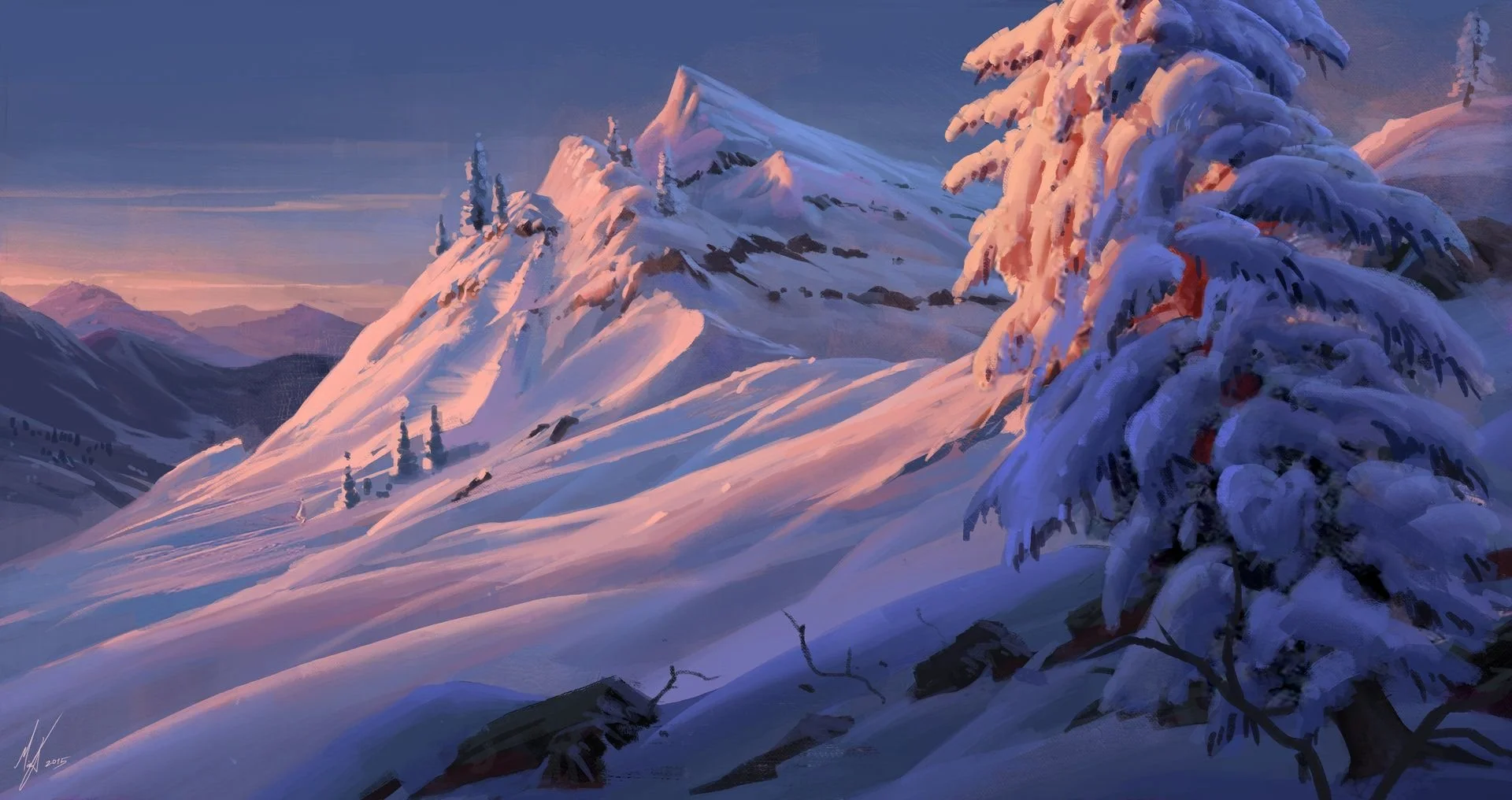
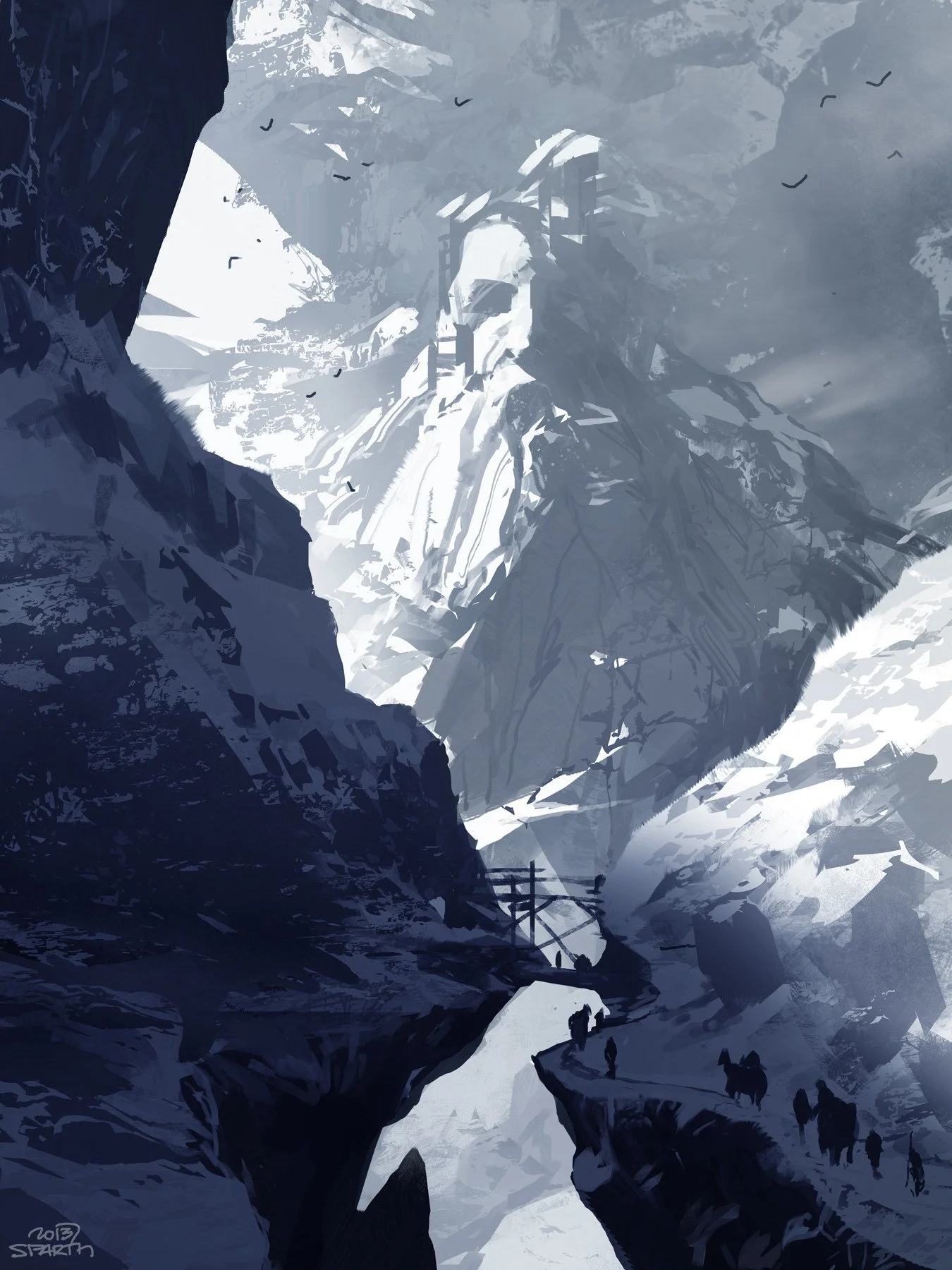
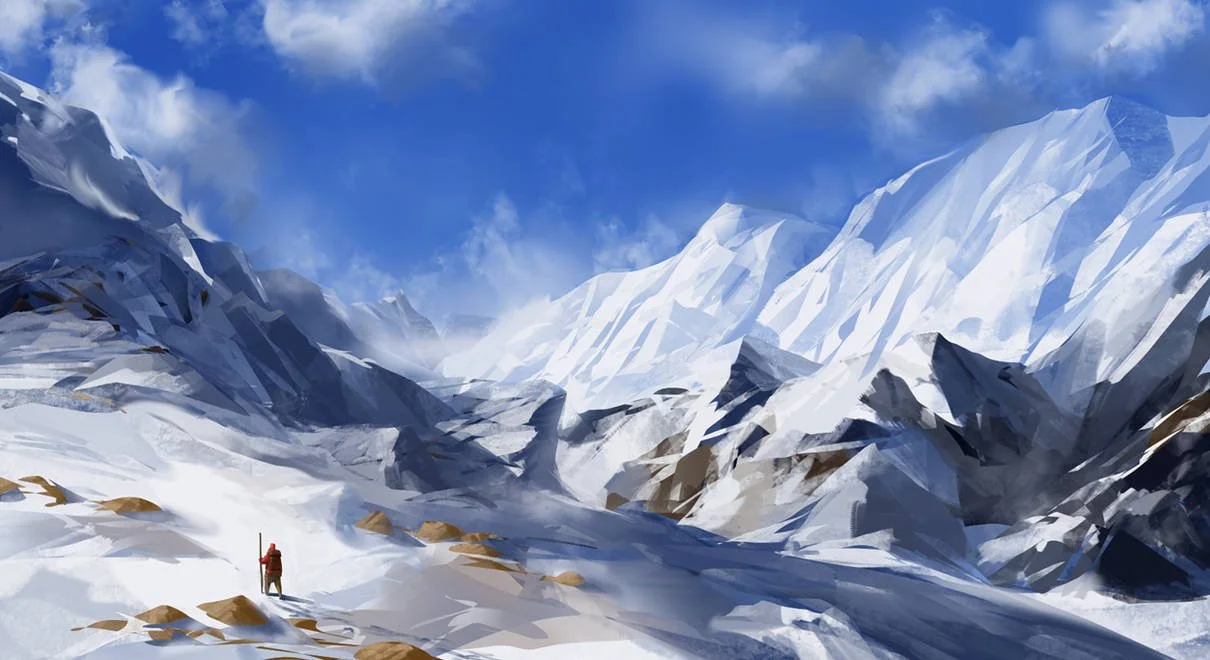
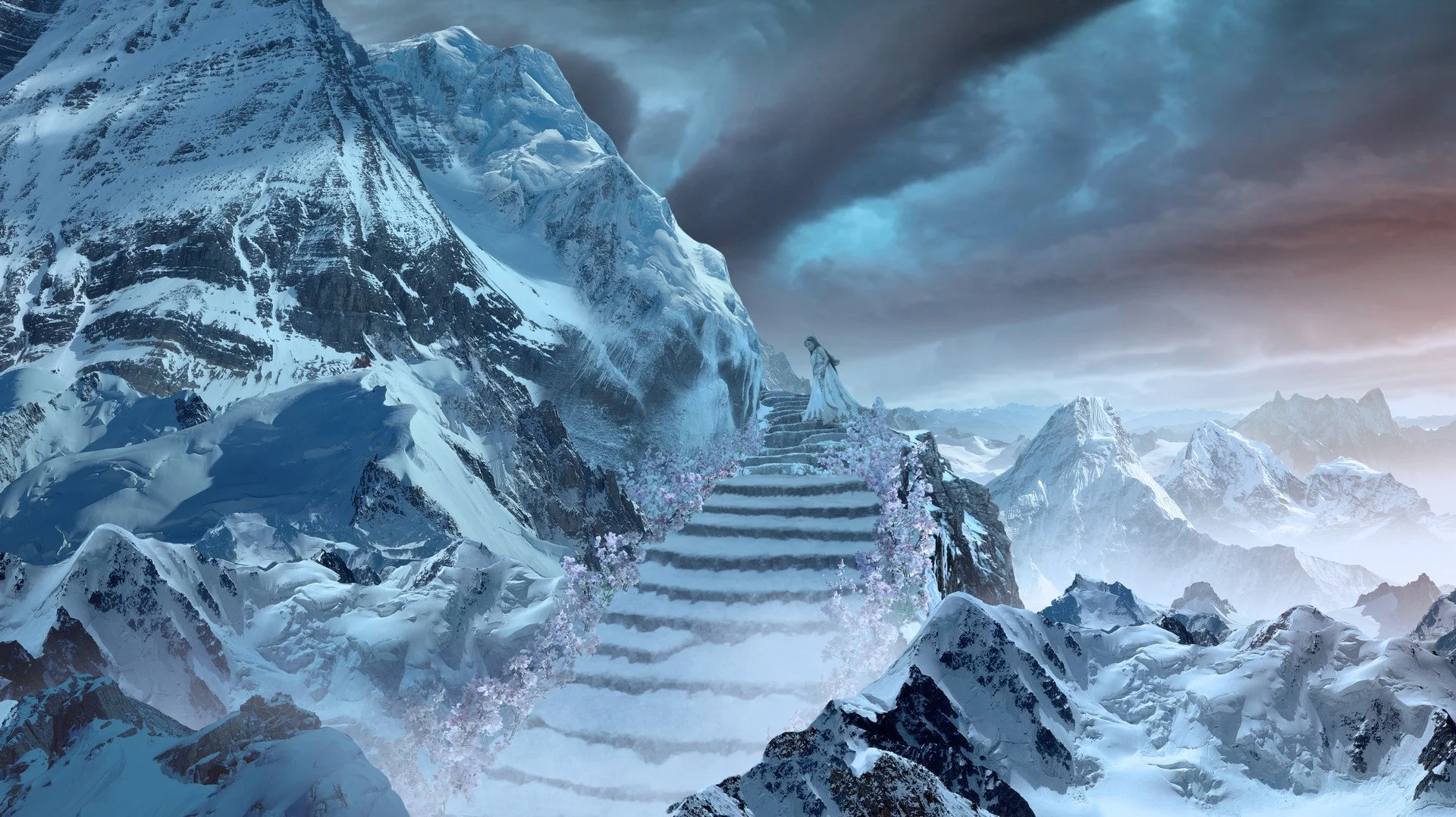
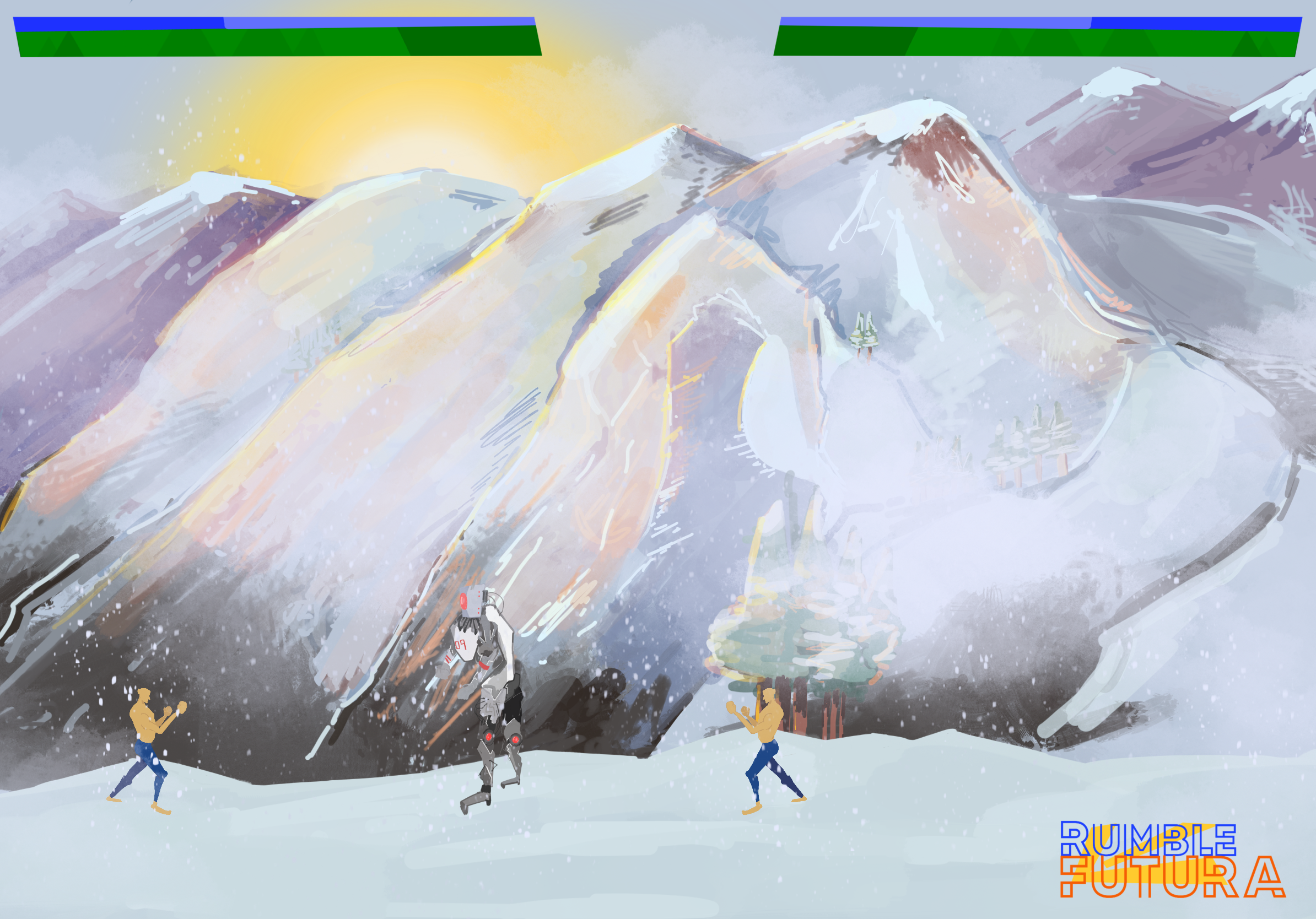
I created a snowy mountain scape environment, painted in Procreate, and layered certain parts such as the edges of the mountains and the Sun so that they could be highlighted in the build using shaders. I then created a snowy VFX to show the windy climate of being (1000?) feet above ground level. Lastly I animated the brightness of the sun to constantly dim and lighten.
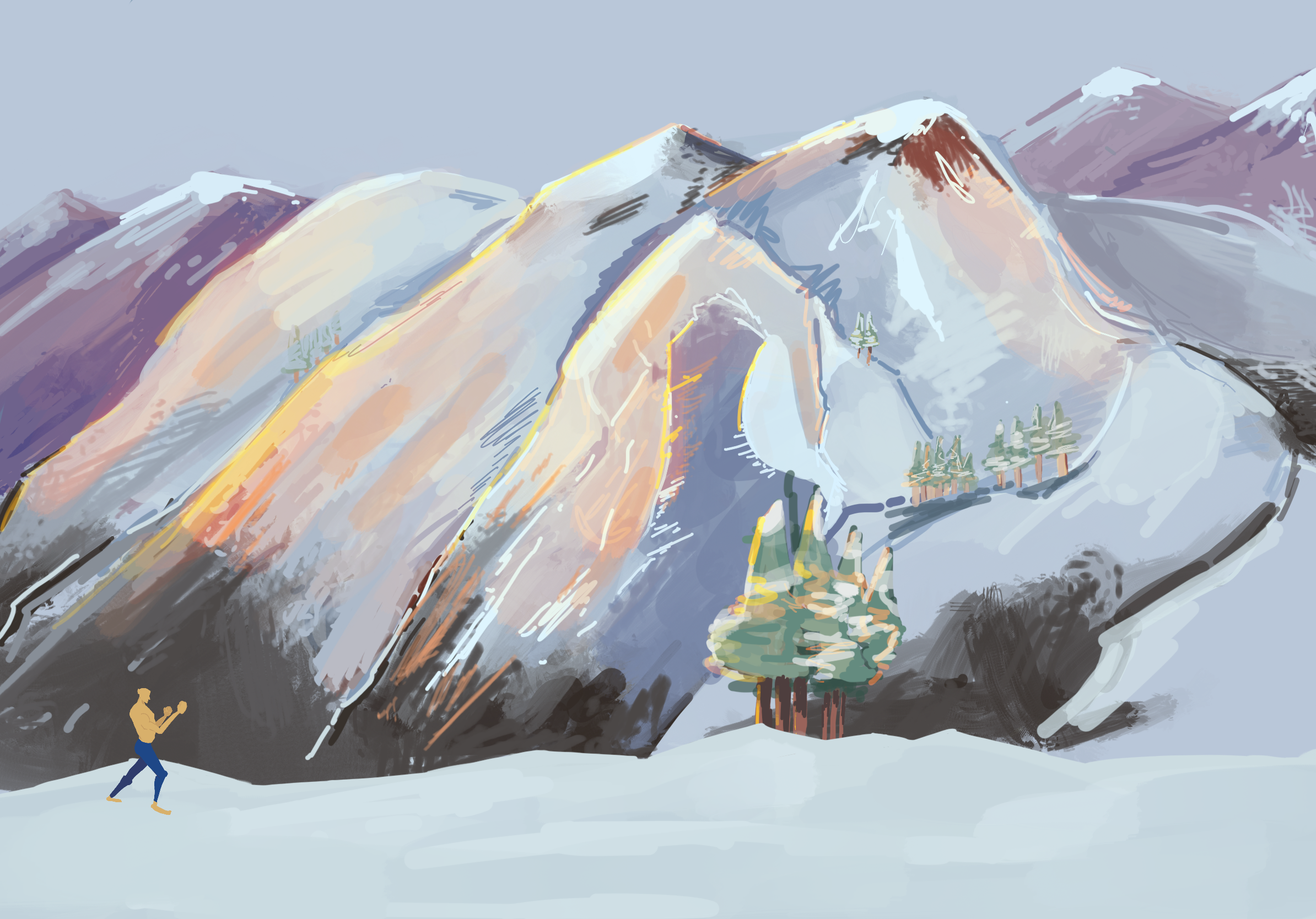
The Result
This is how the final build turned out! I wore a ton of hats to make this prototype, especially flexing my art and newly developing programming skills, and am very proud of how it turned out! I also got an A from my professor, Janet Gilbert, so every hand animated attack frame was definitely worth it!